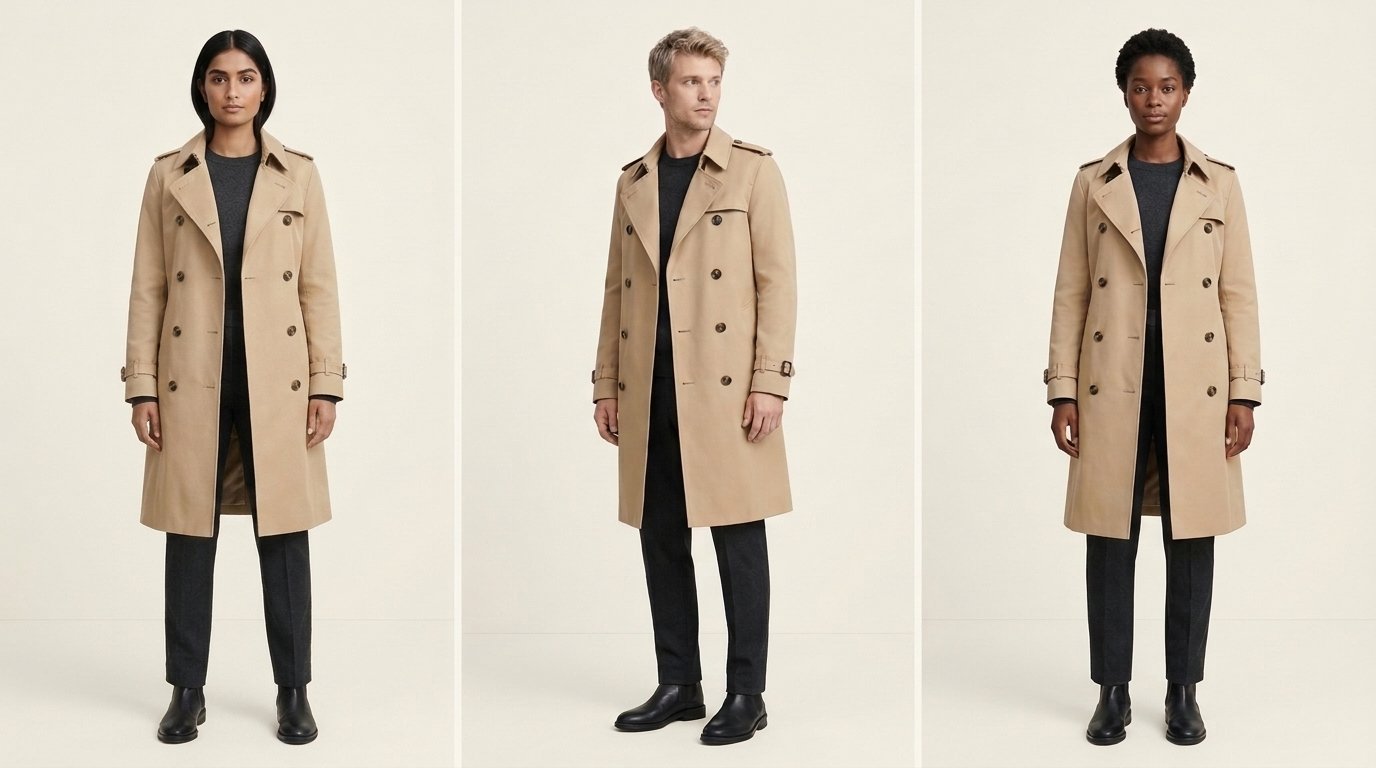
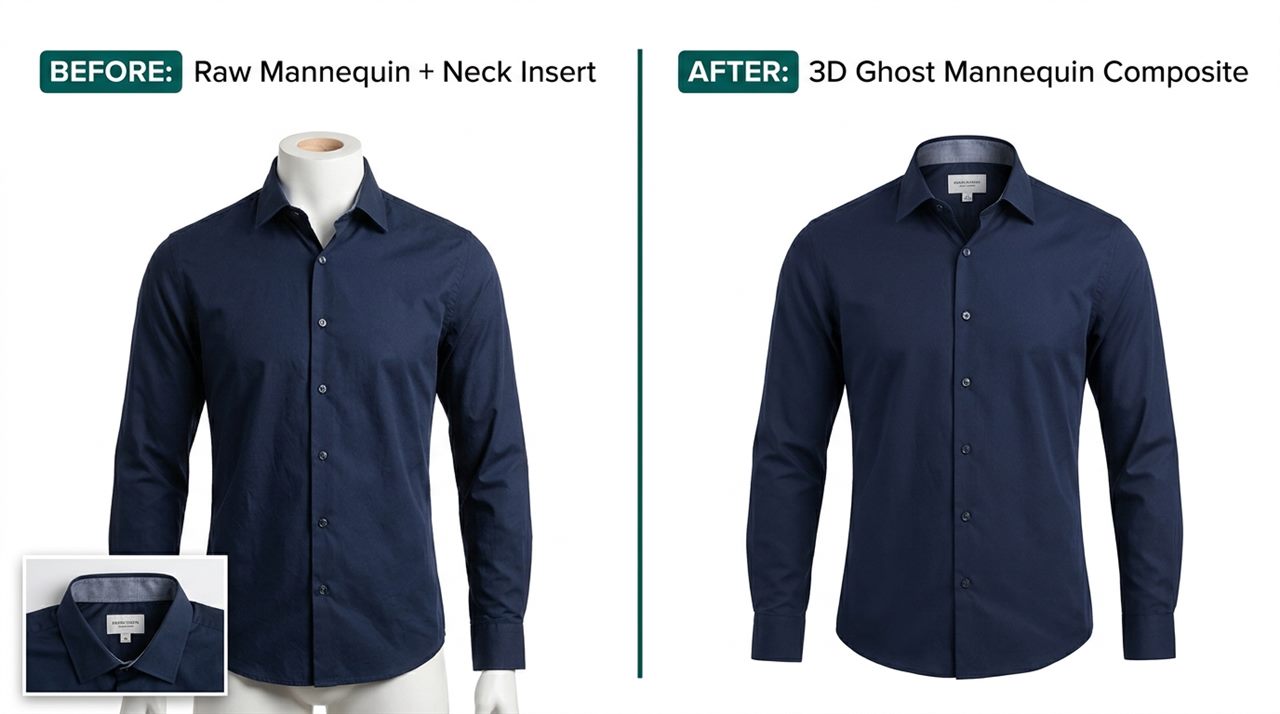
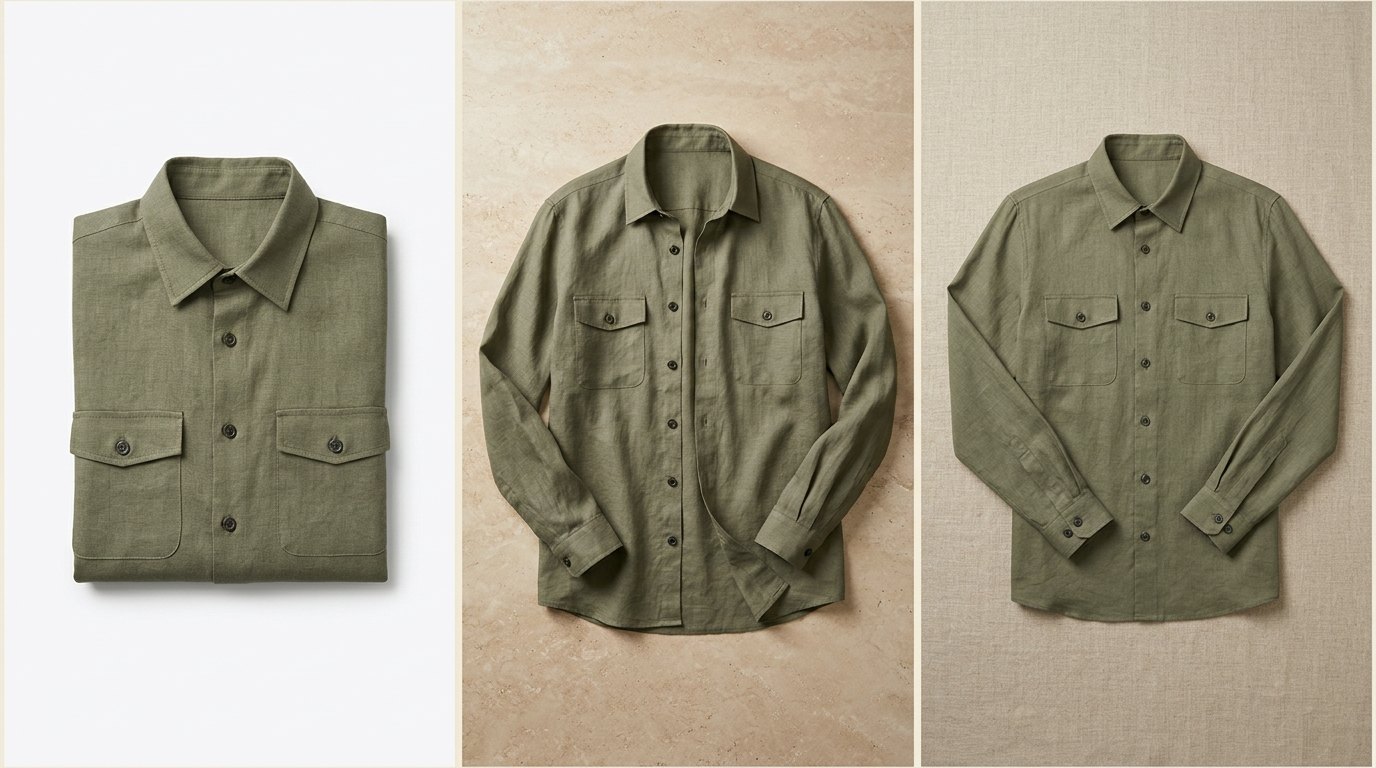
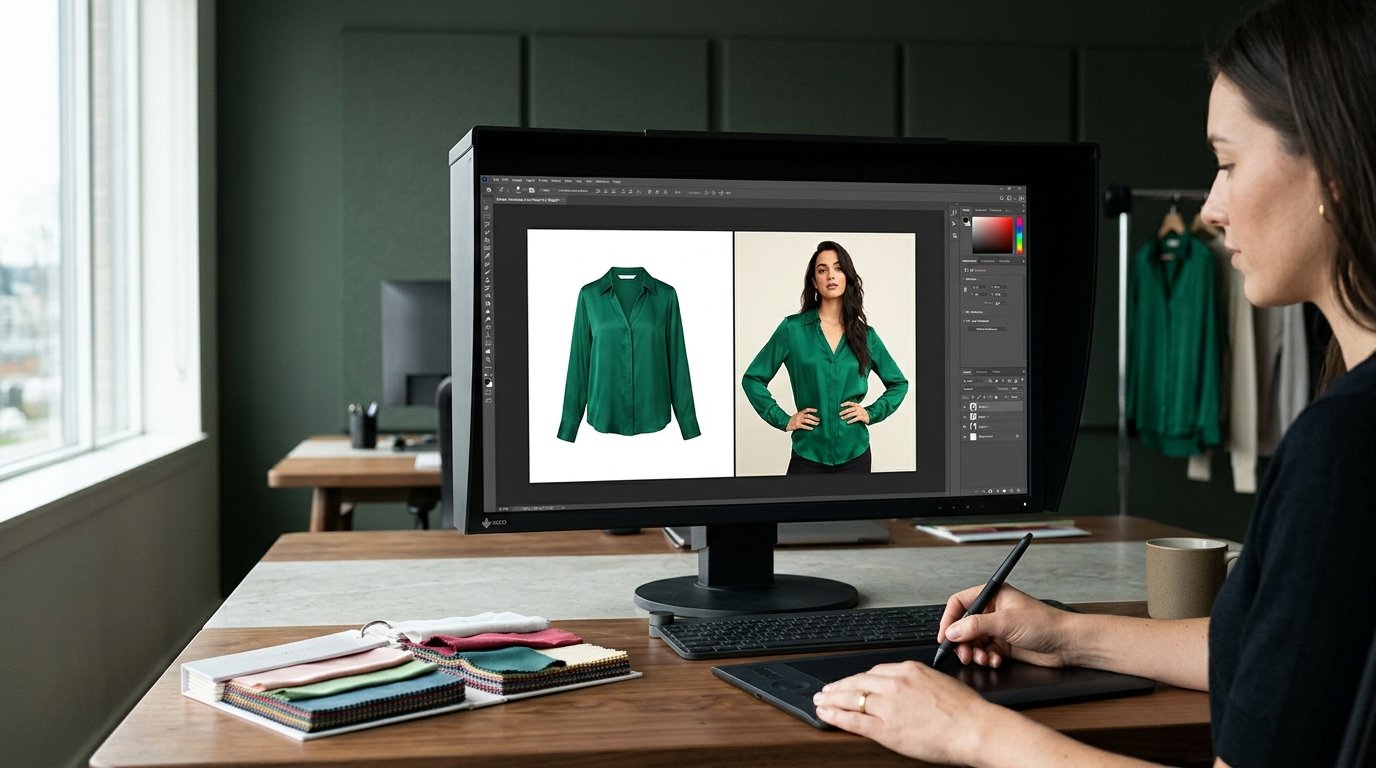
Turn existing product and garment captures into pure-white cutouts, 3D ghost mannequin composites, calibrated editorial flat-lays, and multi-model virtual try-on looks in minutes—with 1-click escalation to our 24/7 human Photoshop retouchers whenever a hero SKU demands hand-crafted precision.
Consistent studio lighting & multi-model framing1K / 2K Export
Production Tools · Clear Inputs & Outputs
Four E-Commerce Workflows Inside One Workspace
Every workflow is engineered for real merchandising operations—preserving original SKU filenames, brand export presets (1:1 Amazon, 4:5 Shopify, 3:4 EU lookbook), and direct handoff to human retouchers when needed.
Included in Free Trial
HD Background Removal
2 Credits / img
Fast high-resolution subject isolation for clean packshots onto verified pure white RGB (255,255,255), custom brand hex backdrops, or transparent PNG—with batch ZIP exports.
Best Input:
Clear product shots with distinct foreground/background separation (JPG, PNG, WebP)
Output:
Pure white #FFFFFF JPEG, custom hex backdrop, or transparent alpha PNG
Render single garments or complete top-and-bottom ensembles onto consistent curated studio models—or upload your own contracted brand model inside your private workspace vault.
Best Input:
Steamed, uncropped front garment photo with clean silhouette & pre-isolation enabled
Output:
Consistent on-model PDP images across multiple builds & seasonal drops
Where AI Studio Excels — And When To Escalate To Human QA
Pure automation hits quality limits on complex luxury goods. Because Dinamico Studio runs both an AI workspace and a 24/7 senior Photoshop retouching team, you can combine both without switching vendors.
Microscopic chest logos, woven neck tags & lace: Trigger 1-click escalation to our Human Retouching Desk (12–24h).
Tight Pantone swatch matching: Pair with Color Correction targeting Delta-E < 2.0 (CIEDE2000) against physical swatches.
Marketplace policy checks: Verify category-specific main-image rules (e.g., Amazon US apparel) and retain required IPTC Digital Source Type metadata after JPEG optimization for Google Merchant Center.
Transparent AI Studio Billing
Pay-As-You-Go Credits Or Monthly Plans
Start with 20 free BG-removal trial credits on eligible business accounts, then top up universal credits anytime or subscribe for lower per-credit rates.
What tools are included inside Dinamico AI Studio?
Dinamico AI Studio combines four e-commerce visual workflows in one workspace: HD Background Removal (pure RGB 255 white or transparent PNG), 3D Ghost Mannequin compositing, Editorial Flat-Lay surface styling (travertine, linen, oak, or white), and AI Virtual Try-On (multi-model casting or private contracted brand models)—all backed by 1-click escalation to our 24/7 human Photoshop retouchers.
Can I try Dinamico AI Studio for free before buying credits?
Yes. Eligible new business accounts receive 20 free trial credits (up to 10 HD Background Removal images) to test edge quality, workspace exports, and turnaround speed. Generative tools (3D Ghost Mannequin, Editorial Flat-Lay, and Virtual Try-On) run on universal pay-as-you-go credit packs or monthly studio plans.
When should I use AI Studio vs. Dinamico Studio human retouching?
Use AI Studio for fast high-volume cutouts, solid knitwear, blazers, multi-surface editorial flat-lays, and multi-model sizing previews. Use 1-click human retouching escalation—or our dedicated human studio services—for fine jewelry facets, intricate embroidered logos, microscopic woven neck labels, complex lace, or tight color matching toward a Delta-E < 2.0 (CIEDE2000) studio target.
What input photos work best for AI Ghost Mannequin, Flat-Lay, and Virtual Try-On?
High-resolution (1500px+ wide) straight-on garment photos captured under even diffused lighting with creases steamed out produce the cleanest collars, hems, and fabric weave. You can upload JPG, PNG, or WebP files via 256-bit encrypted cloud transfer, and exact SKU filenames are preserved on export.
Are AI-generated product photos compliant with Amazon and Google Shopping?
Rules vary by marketplace and product category. On Amazon US, adult-size clothing generally requires an on-model main image while accessories and multipacks are shown flat on pure white. For Google Merchant Center, whenever generative AI is used (including for a generated background), verify after final JPEG optimization that required IPTC Digital Source Type metadata is preserved.
Are unreleased collections and brand models kept private?
Yes. Every workspace is strictly isolated with 256-bit encrypted cloud transfer, role-based team permissions, configurable 30–180 day auto-archive retention, and strict NDA protection—your unreleased SKUs and private brand models are never shared across accounts.
Free 2–3 Image Studio Test
Ready For Pixel-Perfect Product Images?
Upload RAW, TIFF, PSD, or JPEG files up to 2 GB via 256-bit encrypted cloud transfer. Receive hand-retouched test proofs in 12–24 hours at zero cost.